
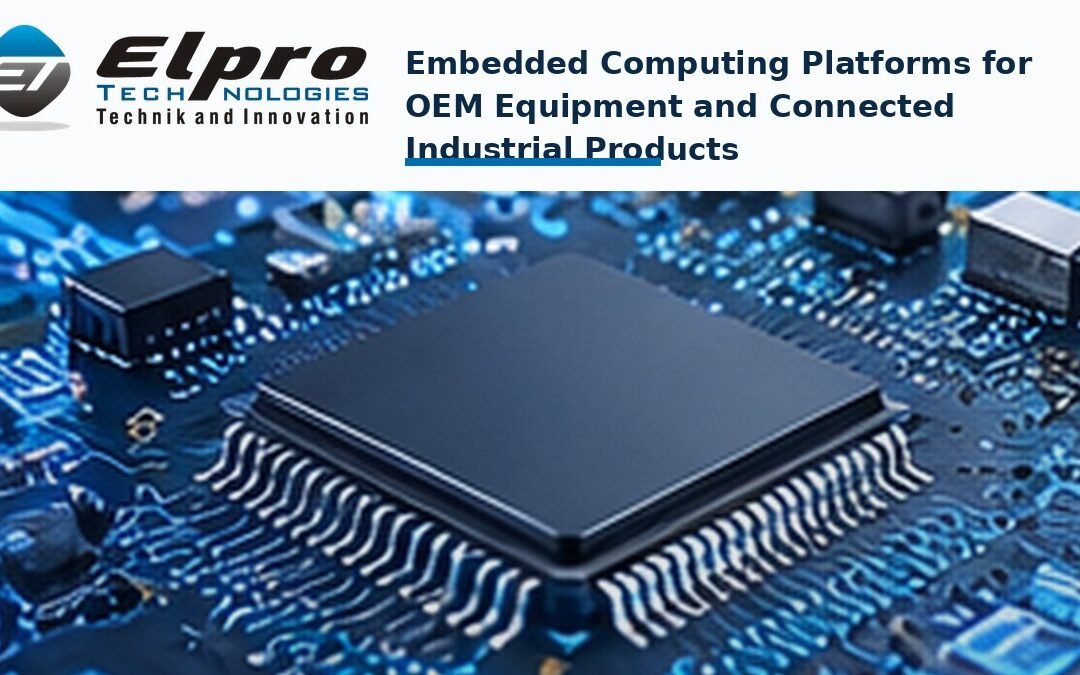
An embedded computer is not simply a smaller desktop PC. It becomes part of the machine or product it supports, influencing enclosure design, electrical integration, serviceability and the manufacturer’s ability to maintain equipment over many years. For OEM teams, the right platform balances application performance with predictable hardware revisions and a practical field-support plan.
Define the Equipment Function
Begin with the task the embedded system must perform: reading sensors, managing a display, collecting machine data, coordinating a subsystem or providing network connectivity. Define inputs, outputs, response time, boot behavior, storage, remote access and failure response. Also estimate production volume and service life. These details help determine whether a board-level computer, system-on-module, industrial motherboard or finished embedded box PC is the better foundation.
Board-Level, Module and Box Options
A single-board computer can simplify a compact design, while a system-on-module and carrier board can provide more control over connectors and mechanical layout. An industrial motherboard may offer familiar expansion and replacement options. A finished box computer can reduce integration effort when a standard enclosure and I/O layout are acceptable. Compare dimensions, mounting holes, connector orientation, BIOS features, thermal design and long-term availability.
Interfaces and Electrical Compatibility
Create an interface matrix for Ethernet, USB, serial, GPIO, CAN, display, storage and any application-specific signals. Check voltage levels, isolation, pin assignments, connector retention and cable shielding. A connector that looks familiar does not guarantee electrical or protocol compatibility. If the equipment connects to motors, sensors or external machinery, include grounding and surge protection in the system design.
Operating System and Firmware Ownership
The OS and firmware strategy should last as long as the equipment. Confirm driver availability, supported OS versions, licensing, BIOS updates and security patch processes. Decide who owns the application image and how a field unit can be restored. Remote diagnostics and controlled updates can reduce service visits, but they should use authenticated access and a documented rollback method.
Power and Thermal Integration
Compact enclosures can concentrate heat and restrict airflow. Evaluate input voltage, power sequencing, transient conditions, peak consumption and standby behavior. Select the heatsink and chassis together, then test the assembly in its final orientation. Also assess vibration, shock, dust, moisture and service access, particularly when the embedded computer is installed inside a mobile or machine-mounted product.
Designing for Lifecycle and Supply Continuity
For an OEM product, a board revision change can affect mechanical fit, drivers, performance and certification work. Ask about lifecycle notices, component substitutions and revision control. Keep an approved bill of materials and a validation checklist for replacement parts. A platform that is slightly less powerful but easier to support consistently may be the better commercial choice over the equipment’s service life.
A Complete Embedded Hardware Ecosystem
A finished design may combine an industrial motherboard, memory, SSD, wireless module, I/O board, display, touch interface and enclosure. Compare industrial computer platforms, industrial PC systems and edge AI computers when evaluating different integration levels. The best option is the one that meets the full electrical, mechanical and software brief.
Prototype Testing and Production Readiness
Validate application performance, I/O timing, thermal behavior, power cycling, storage, network recovery and extended operation. Freeze the approved hardware revision and record firmware, BIOS, driver and OS versions. For operator or service workflows, related touchscreen kiosk systems and rugged tablets can complement the embedded equipment during operation and maintenance.
Related Industrial Product Categories
- Industrial motherboards
- Single-board computers
- System-on-module platforms
- Embedded box PCs
- Fanless computers
- Industrial touch displays
- I/O expansion boards
- Industrial SSDs and memory
Explore related rugged tablet PCs, touchscreen kiosk systems, industrial PC solutions, industrial computer platforms and industrial edge AI computers for connected industrial applications.
Frequently Asked Questions
What is this technology used for?
It provides computing for a defined industrial function such as machine monitoring, operator interaction, data collection, equipment communication or application-specific processing. The exact role depends on the selected hardware and software.
Which industries can use it?
Typical users include machine builders, manufacturing plants, utilities, logistics operations, process industries and OEM equipment developers. Suitability depends on the workflow, operating environment and integration requirements.
How should the right configuration be selected?
Document the application, operating system, compute load, interfaces, storage, mounting, power, temperature, vibration, expected duty cycle and service life. Compare configurations against that written requirement.
How do processor and memory affect performance?
Processor and memory must support the intended application, concurrent services and data workload. Use application benchmarks where possible and retain practical headroom for updates and future functions.
Which interfaces should be checked?
Review Ethernet, USB, serial, display, storage, GPIO and specialist I/O as applicable. Confirm electrical characteristics, connector position, drivers and protocol support rather than relying only on connector names.
Can it communicate with PLC or SCADA systems?
Yes, when compatible protocols, drivers and network interfaces are available. Validate the exact controller, software version, data rates, addressing and recovery behavior in the intended architecture.
Which operating-system checks are important?
Confirm supported OS versions, drivers, firmware, application compatibility, security updates, licensing and the method for restoring a known-good software image.
What environmental factors matter?
Assess ambient temperature, dust, moisture, vibration, shock, electrical noise, mounting orientation, cabinet ventilation and access for maintenance. Verify the ratings of the complete configured installation.
Can it run continuously?
Continuous operation depends on the model, component selection, thermal margins, power quality, workload and environment. Validate sustained operation and establish monitoring and recovery procedures.
Can it be integrated into existing equipment?
Often yes, if dimensions, mounting, power, I/O, protocols, software and security requirements are compatible. An interface and mechanical review should precede procurement.
What should be tested before commissioning?
Test boot and recovery, application stability, I/O, network communication, thermal behavior, power interruption, storage and representative operating loads. Record the approved hardware and software revisions.
What details are needed for a quotation?
Share the application, OS, processor and memory requirements, I/O list, storage, power, mounting, environmental conditions, quantity, expected lifecycle and any customization needs.
Elpro Technologies
ELPRO TECHNOLOGIES
Technik and Innovation
#43, 2nd Cross Road, P&T Colony, R.T. Nagar, Bengaluru – 560032
sales@elprotech.in | info@elprotech.in
+91-8892147021 | +91-8892147023
www.elprotech.in