
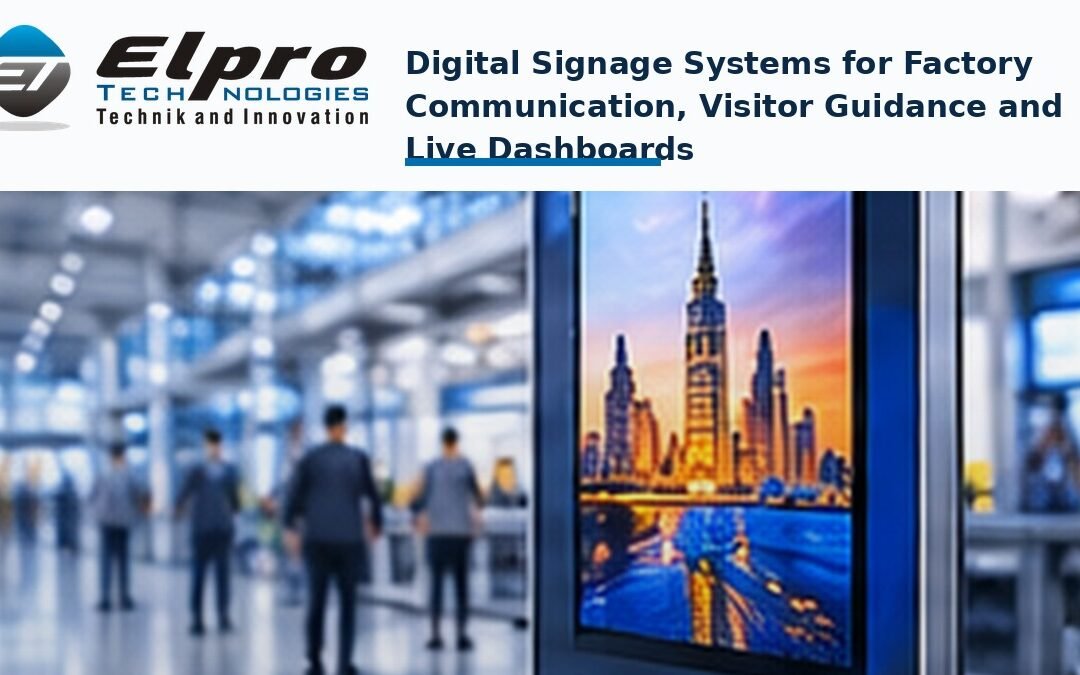
A well-placed screen can make safety updates, shift information and production performance visible across a large facility. Industrial digital signage is most effective when the display, media player, network and content approval process are planned as one system. The goal is not simply to put content on a screen; it is to deliver accurate information to the right audience at the right time.
Identify the Audience and the Message
Decide who will view each screen and what they need to understand. A production dashboard may be read by employees walking past a line, while visitor directions may be viewed from a lobby. Consider viewing distance, screen orientation, content update frequency, language, accessibility and whether touch interaction is necessary. Messages should remain legible at a glance.
Display Brightness, Size and Placement
Screen size and brightness should match the installation location. A bright entrance with direct sunlight requires a different display strategy from an indoor corridor or control room. Evaluate glare, viewing angle, mounting height, portrait or landscape orientation and physical security. Outdoor or semi-outdoor locations also need suitable enclosure and environmental protection.
Media Players and Content Software
A media player or embedded computer renders images, video, dashboards and scheduled content. Confirm supported resolutions, codecs, number of displays, playback schedule, remote management and operating system. The content platform should make it easy for authorized staff to publish updates and remove expired messages. Test how the player behaves when the network is unavailable.
Network Design and Content Governance
A signage network needs stable connectivity, controlled device access and a defined publishing process. Decide which teams can create, approve and schedule content. For safety or operational notices, include an owner and review date so old instructions are not left on screens. Use secure credentials and a planned update process.
Power, Mounting and Maintenance
Check wall structure, mount rating, cable routing, ventilation, power availability and service access before installation. In locations where brief power interruptions are common, assess whether power protection is useful. Keep an inventory of displays, players, software versions and mounting accessories. Establish a process for cleaning screens and checking playback.
Choose the Right Signage Architecture
A deployment may combine indoor displays, high-brightness screens, touch kiosks, fanless media players, industrial PCs, mounts and network switches. A touchscreen kiosk is suitable when users need to interact, while a passive display is often better for announcements and dashboards. Explore touchscreen kiosk systems, industrial PC players and industrial computer platforms.
Connect Dashboards with Operational Data
Where a display shows production metrics, the data source and refresh interval should be clearly defined. Confirm whether the dashboard reads from a historian, MES, SCADA or approved data service. Avoid exposing control functions on a public-facing display. For local processing, evaluate industrial edge AI computers and industrial PCs as part of the data architecture.
Pilot, Monitor and Expand
Start with a small number of screens in different viewing conditions. Verify content readability, scheduling, remote updates, playback recovery, network access and approval workflow. Record each screen’s location, device identity and support owner. Rugged tablets can support mobile content checks and maintenance across the signage network.
Related Industrial Product Categories
- Indoor digital signage displays
- High-brightness displays
- Touchscreen kiosk terminals
- Floor-standing information kiosks
- Fanless media players
- Industrial PCs
- Display mounts and brackets
- Network and power accessories
Explore related rugged tablet PCs, touchscreen kiosk systems, industrial PC solutions, industrial computer platforms and industrial edge AI computers for connected industrial applications.
Frequently Asked Questions
What is this technology used for?
It provides a dedicated industrial capability such as operator visualization, process monitoring, data collection, equipment communication or information delivery. The exact functions depend on the configured hardware and application.
Which industries can benefit?
Manufacturing, process industries, utilities, logistics, infrastructure and equipment OEMs may use this technology where operator access, data visibility or connected computing supports a defined workflow.
How should a configuration be specified?
Document the application, users, software, interfaces, display or compute requirements, mounting, power, environment, network, duty cycle and service expectations before comparing models.
What hardware performance is required?
Choose the processor, memory, graphics and storage according to the application and the number of concurrent tasks. Test representative workloads rather than relying on headline specifications.
Which connectivity options should be considered?
Review Ethernet, USB, serial, display, audio, wireless, GPIO and any specialist interfaces. Confirm connector placement, drivers, supported protocols and cable requirements.
Can it work with PLC or SCADA platforms?
It can when the required drivers, protocols and network architecture are supported. Verify the exact controller, software version, data mapping and fault behavior during commissioning.
What software and security checks matter?
Confirm OS compatibility, application licensing, driver support, user roles, authentication, update policy, backup and remote-access controls. Maintain a tested configuration baseline.
How do site conditions affect selection?
Consider ambient temperature, dust, moisture, vibration, glare, electrical noise, mounting, cleaning methods and service access. Match the entire installation to the real environment.
Is it suitable for extended daily operation?
Suitability depends on the model’s duty rating, cooling, power quality, application load and environment. Validate the complete setup and establish monitoring and maintenance routines.
Can it be added to an existing installation?
Usually, if physical space, power, I/O, network, software and security requirements are compatible. Review the existing architecture before finalizing the integration.
What should commissioning verify?
Check application behavior, data accuracy, display or operator workflow, network communication, permissions, power recovery, thermal stability and backup restoration.
What information is needed for a quotation?
Share application details, software, screen or compute requirements, interfaces, mounting, power, network, environmental conditions, quantity and expected operating schedule.
Elpro Technologies
ELPRO TECHNOLOGIES
Technik and Innovation
#43, 2nd Cross Road, P&T Colony, R.T. Nagar, Bengaluru – 560032
sales@elprotech.in | info@elprotech.in
+91-8892147021 | +91-8892147023
www.elprotech.in